 Heracles Records
Calendar
Planned and done, side by side.
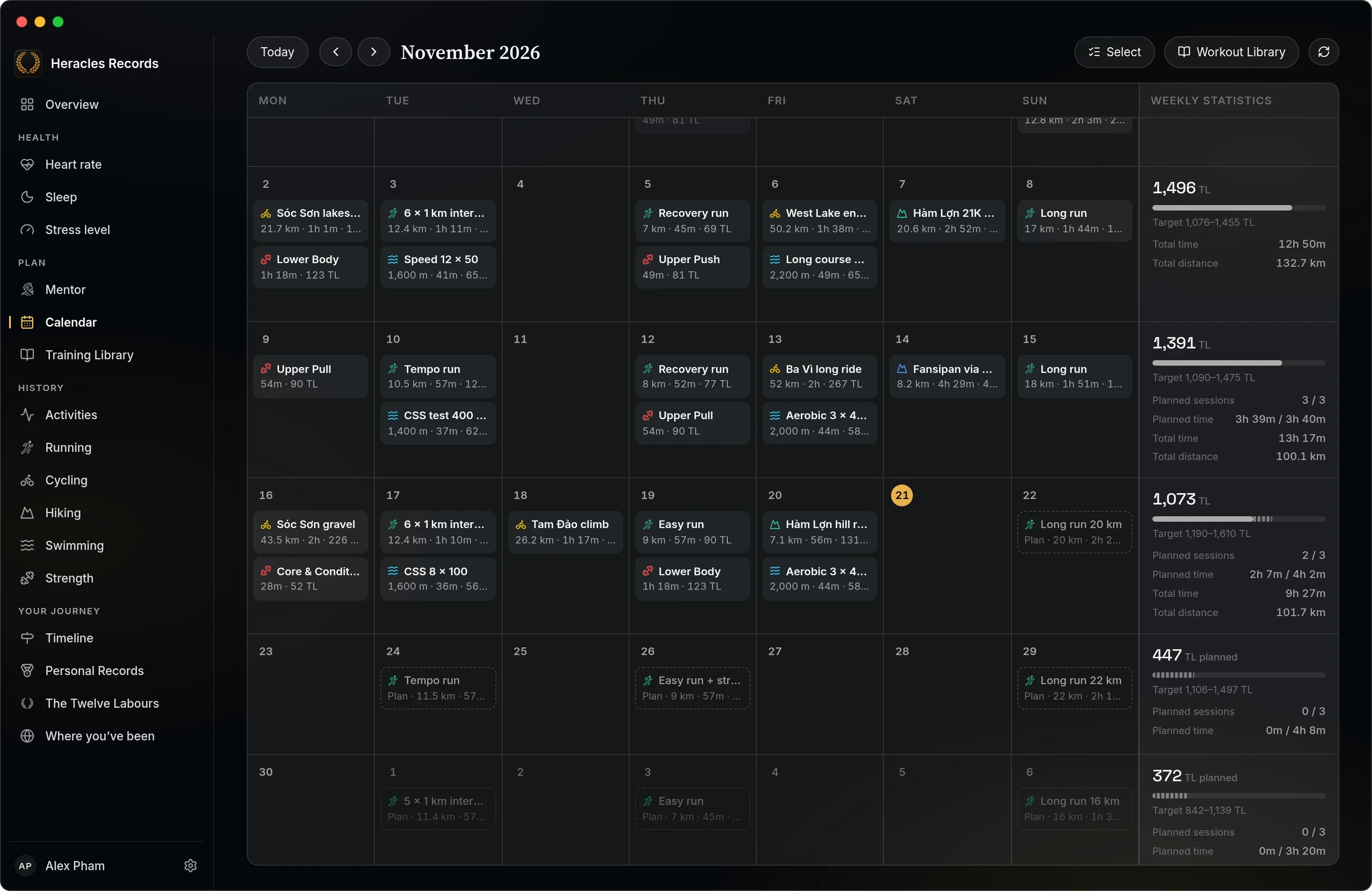
Every scheduled workout and every completed activity, month by month, matched to each other so a session shows how much of its plan you did. It is your COROS calendar, so a change here is a change on your watch.
A day at a time
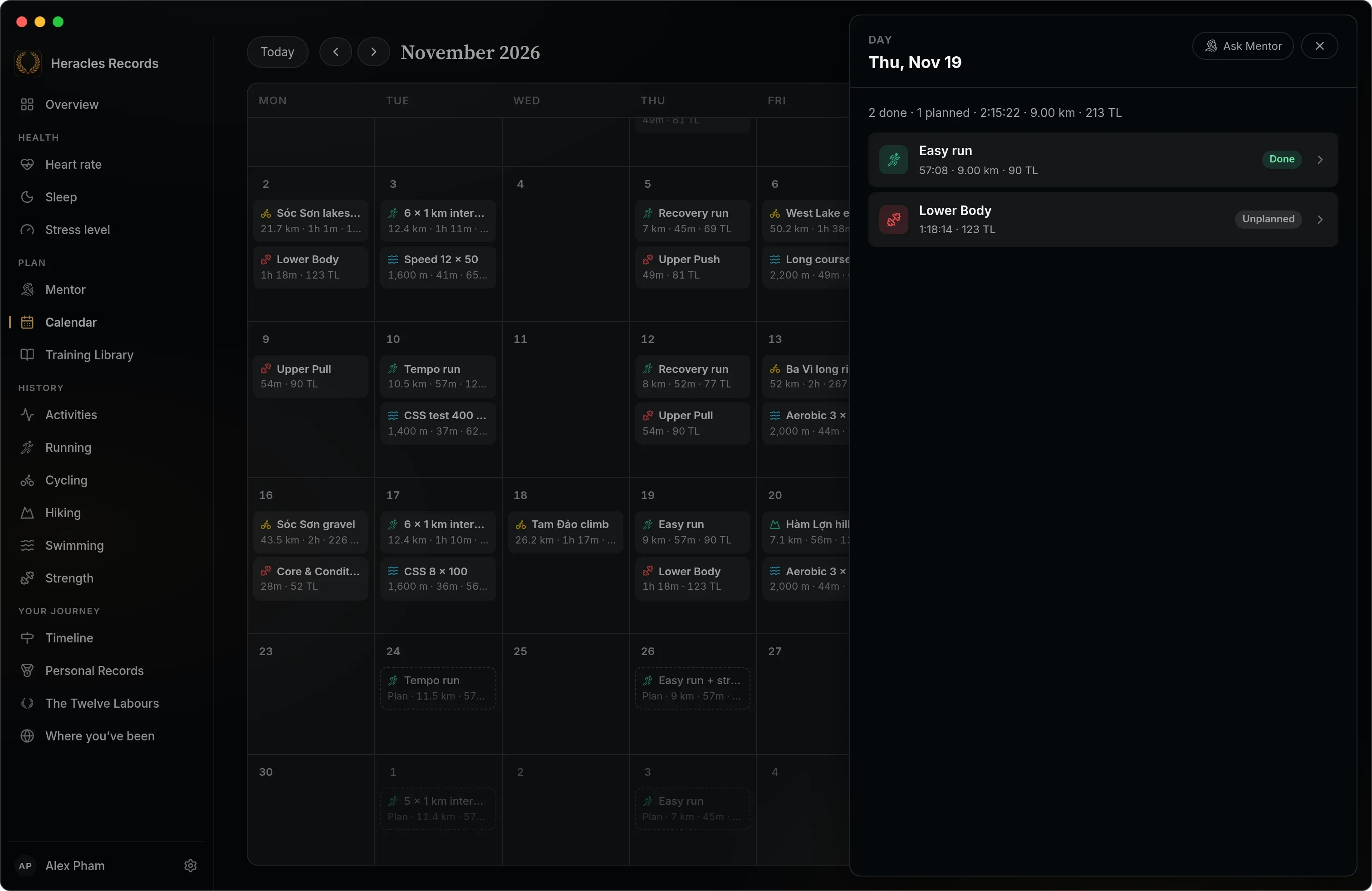
Open any day.
Press anywhere in a day and it opens beside the month with what was planned and done on it. Press a session and it opens with its route, elevation and laps.
- Cards you read at a glance: the sport, then distance, time and load, or Plan and Missed.
- Drag to move. Drop a session on another day and it moves on your COROS calendar too. A session from a plan stays part of that plan.
- From the library. Put any workout on a day, or create one there and then.
- Edit a scheduled session in the same builder as a new workout.
Week by week
Each week against its target.
Beside every week sits its load as a figure and a bar, done solid and planned hatched, set against the range COROS recommends for the week, with Load Impact and Base Fitness a hover away.
- Planned and done: how much of the week's plan is behind you, its sessions and time apart from the totals.
- Matched fairly: a session pairs with the plan of its sport closest in load, then distance, then time.
- Strength counted properly: with Heracles Training Load chosen, gym days, done or planned, add to the week what they really cost.
- Ask Mentor about a day, a week or a single session.